Citing Your Sources with Zotero
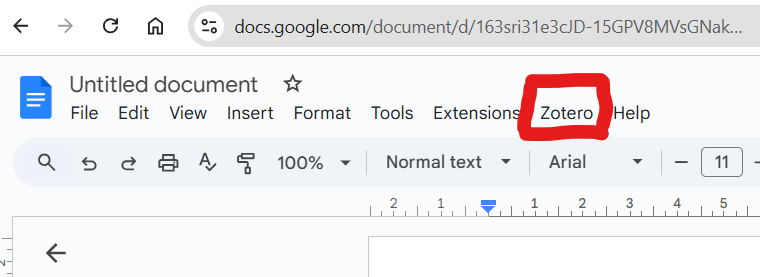
Integrate Zotero with Your Writing Tools
- Install the Zotero plugin for Microsoft Word or Google Docs.
- Add the Zotero toolbar so you can insert citations directly into your documents.
Create Citations in Your Documents
- Click “Add/Edit Citation” in your document.
- Select the citation style you want, such as APA, MLA, or Chicago.
Generate Bibliographies
- Select your references in Zotero.
- Right-click and choose “Create Bibliography”.